Restore your photo
photo
Enhancement runs on your device. The photo is only uploaded if you choose the portrait preview.
What this restorer does (and honestly, what it doesn’t)
This tool repairs the two most common ailments of old family photos: faded, yellow-shifted color and soft focus. It rebalances each color channel against the photo’s real range and applies careful sharpening — entirely in your browser, so the photo is never uploaded anywhere.
What it won’t do: reconstruct torn paper, remove scratches, or invent missing detail. For physically damaged photos, a restoration specialist (or PortraitGift’s artists, as part of a portrait order) is the honest answer — and we’d rather tell you that than pretend a slider fixes tears.
From enhanced old family photo to new artwork
Restoration is often step one. A revived photo of grandparents becomes a vintage-style portrait; a faded pet photo becomes a memorial canvas. If you are preparing prints for a funeral or celebration-of-life display, the memory board photo planner works out the board capacity and row plan without uploading the photos. After enhancing, one click sends your restored photo into the free portrait preview flow.
How it works
- Upload a scan or phone photo of the old picture — it stays on your device.
- Get the enhanced version instantly and compare before/after.
- Download it free, or turn it into a painted portrait with one click.
Frequently asked questions
Is my photo uploaded to a server?
No. The enhancement runs in your browser using the HTML canvas — you can watch the network tab stay silent. Only if you choose “turn it into a portrait” is the photo then uploaded to generate that preview.
Can it repair a torn or scratched photo?
Honestly, no — browser-side processing can’t reconstruct missing paper. It excels at fading, color shift and mild blur. For tears, order a portrait from the photo and note the damage; the artwork pipeline repaints rather than patches.
What is the best way to digitize the original?
Photograph it flat in indirect daylight, or scan at 600 DPI. Avoid flash — glare destroys detail this tool could otherwise recover.
Is there a file size limit?
Photos up to 12 MB and roughly 2200 px on the long side process smoothly; larger images are automatically downscaled to keep your browser responsive.
Customers love what they create
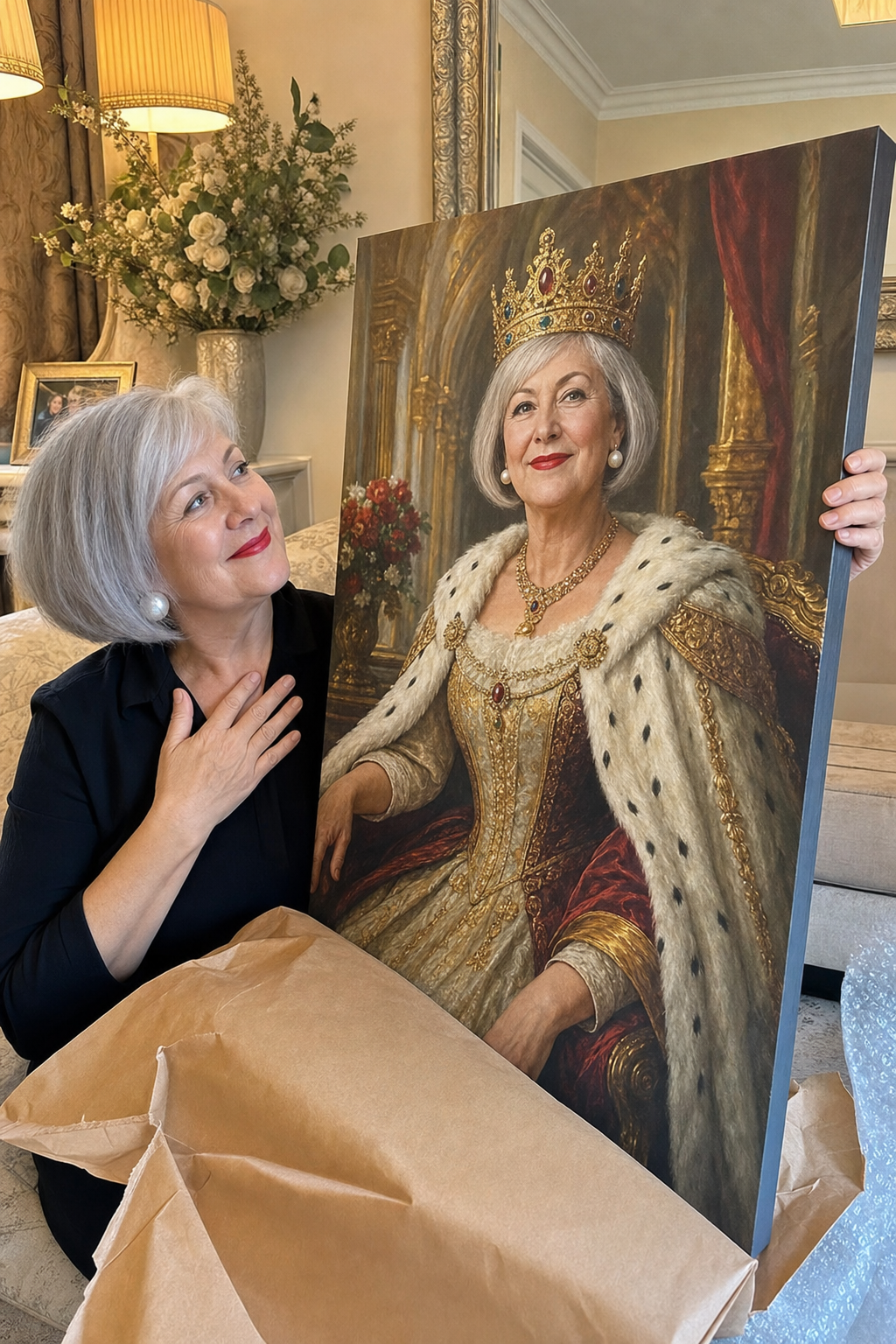
My daughter had me painted as a queen for Mother’s Day — silver bob, pearls and all. I welled up.
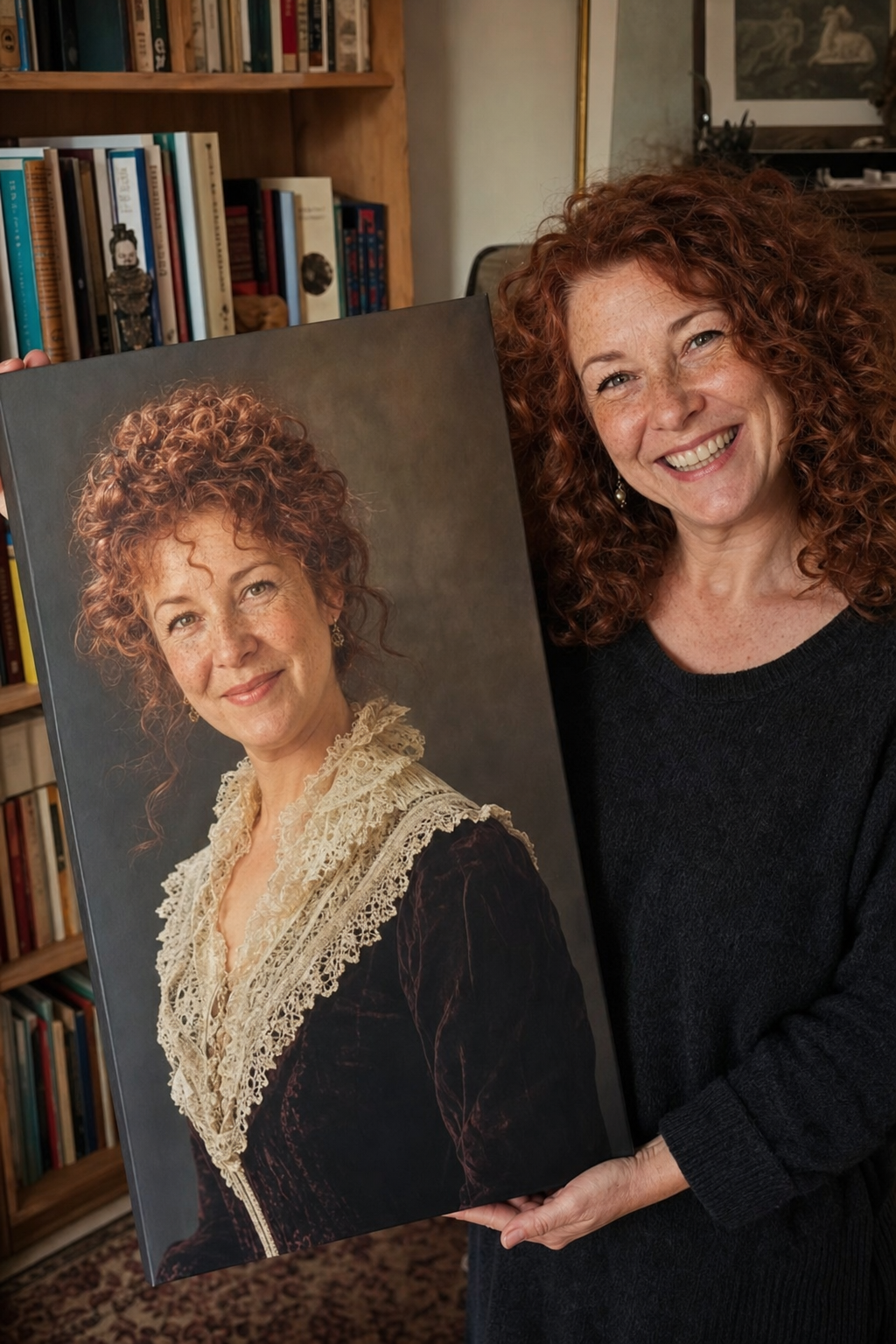
A Victorian portrait of me for my 50th — the auburn curls and freckles are unmistakably me. It feels like a real heirloom.
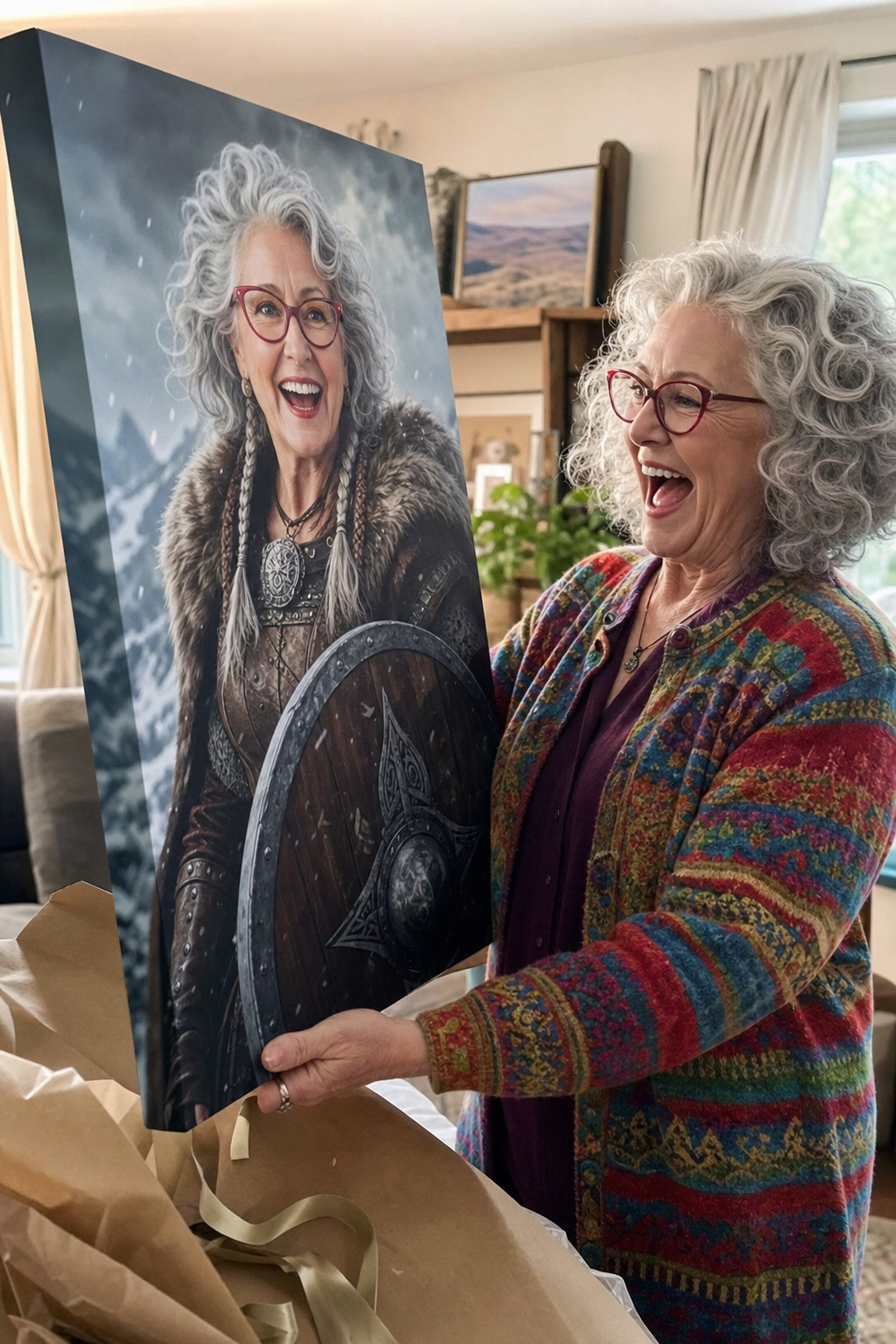
My nan welled up seeing herself as a Viking shield-maiden — glasses and all! Made her whole year.
Skip ahead — create a vintage portrait made from it now →